
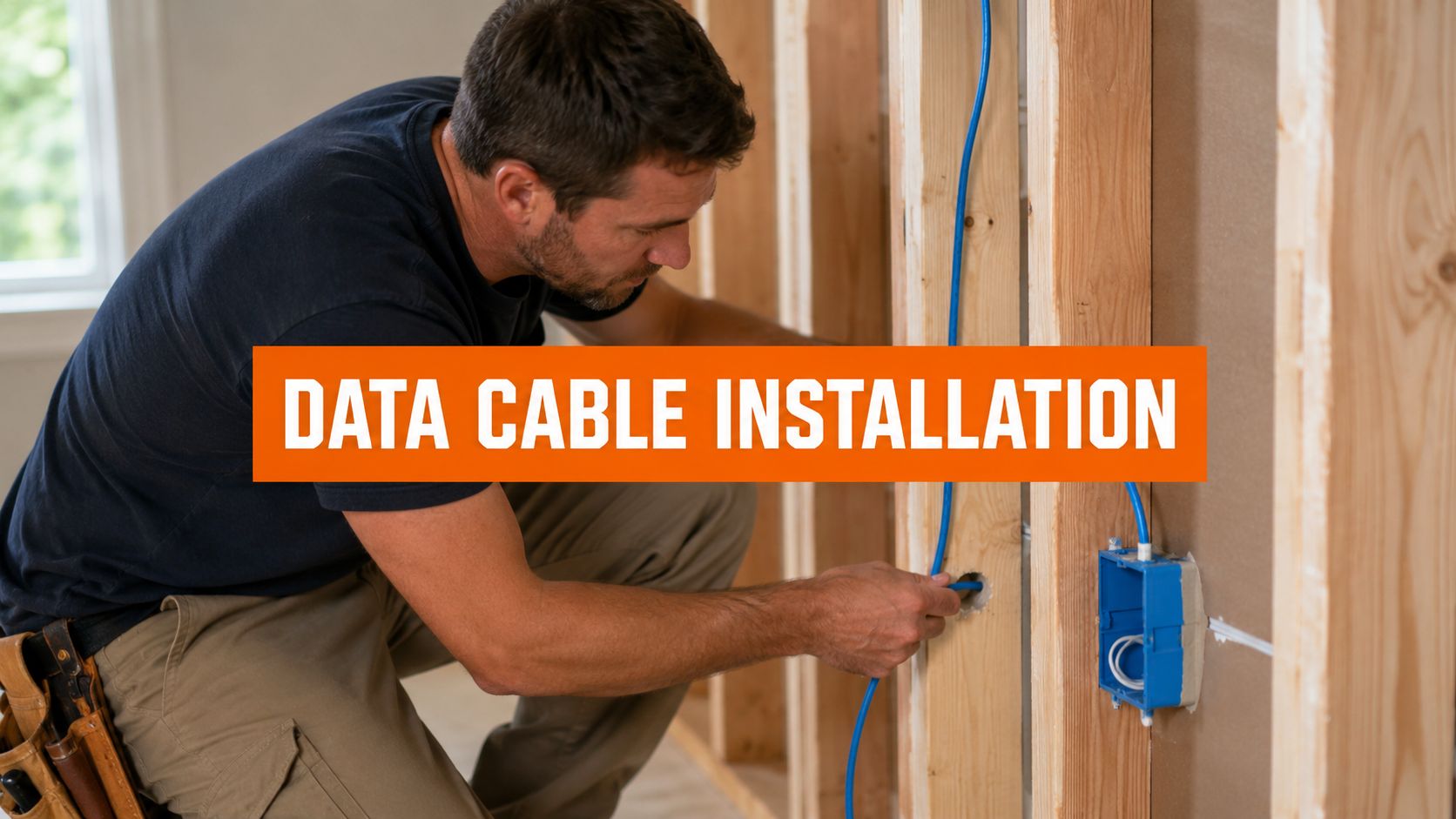
A lot of people start looking into data cable installation after the same problem shows up for the tenth time. Video calls freeze, the back office printer drops offline, the TV buffers, or the basement office gets the weakest signal in the house.
In Northern Utah homes and light commercial spaces, a hardwired network usually fixes the problem at the source instead of chasing Wi-Fi dead spots from room to room.
Why Your Wi-Fi Is Not Enough
Wi-Fi is convenient. It isn't always consistent.
A house with a finished basement, metal ductwork, garage devices, outdoor cameras, and a couple of people on work calls can push wireless coverage past its comfort zone. In a small office, the same thing happens when access points, printers, phones, and workstations all compete for stable bandwidth.
A wired connection gives the network a backbone. Ethernet drops to desks, TVs, access points, and equipment racks remove guesswork and cut down on lag, signal loss, and random disconnects. Homeowners who are still sorting out the basics can start with understanding low voltage for your home.
Practical rule: Use Wi-Fi for mobility. Use cable for anything that needs to work every time.
Choosing the Right Cable for Your Needs
The cable choice sets the ceiling for the whole system. Think of cable categories like highways. A small road may handle normal traffic, but once more cars show up, congestion starts. A larger road gives more room for speed, growth, and fewer slowdowns.
For most homes and small businesses, the main decision is usually between Cat5e, Cat6, Cat6a, and fiber.
What the common cable types actually mean
Cat5e still shows up in older buildings and basic retrofits. It can handle ordinary network use, but it leaves less room for future upgrades. In new work, it's usually not the first choice when walls are open and labor is already being paid for.
Cat6 is a practical standard for many residential and light commercial jobs. It works well for home offices, TV locations, wireless access points, and everyday business devices. It usually strikes the best balance when a customer wants a solid network without overbuilding.
Cat6a is the step up when future-proofing matters more. It makes sense in homes with heavy streaming, detached offices, advanced AV systems, camera systems, or where Wi-Fi access points need strong backhaul. It also makes sense in offices where cable will be hard to replace later.
Fiber is different. It isn't usually the first pick for every room, but it's the right answer for long runs, building-to-building links, and backbone connections where electrical interference or distance becomes a real issue.
Data Cable Comparison at a Glance
| Cable Type | Max Speed (at 100m) | Best For | Future-Proofing |
|---|---|---|---|
| Cat5e | 1 Gbps | Legacy runs, basic existing networks | Low |
| Cat6 | 5 Gbps | Home offices, standard business networks, TVs, access points | Good |
| Cat6a | 10 Gbps | New builds, heavy-use homes, higher-performance office runs | Strong |
| Fiber Optic | 100+ Gbps | Long distances, backbone links, larger facilities | Highest |
UTP versus shielded cable
Cable category matters, but so does the environment around it.
UTP, or unshielded twisted pair, works well in many standard residential spaces when routing is clean and the cable is kept away from power wiring. It's common because it's easier to work with and usually more economical.
Shielded cable has a place when the run passes through areas with more electrical noise, equipment, or tighter routing constraints. It can help in commercial rooms, mechanical areas, or installations where power and low-voltage pathways are harder to separate.
A higher category cable won't fix a sloppy route. Good materials still need good installation.
What works in real projects
For a single home office, Cat6 is often enough.
For a remodel where walls are open, Cat6a is often the smarter long-term call because labor is the expensive part, not just the cable. For a media-heavy room, multiple screens, and AV equipment, homeowners should also review home theater wiring advice for homeowners, because entertainment wiring and network wiring often overlap.
The market is moving toward better cable
This isn't a niche upgrade anymore. The global structured cabling installation market is projected at roughly $13.4 billion to $16 billion in 2026, with analyst estimates near $13.4 billion to $13.45 billion, and is projected to grow to roughly $26 billion to $38 billion by the early 2030s as data centers, 5G, IoT, and higher cable categories expand, according to structured cabling market projections.
That growth reflects what electricians already see in the field. New installations are trending toward better cable now so owners don't have to reopen walls later.
Planning Your Data Cable Installation
Most network headaches start before a single cable is pulled. The layout was rushed, too few drops were planned, or no one thought through where the modem, router, switch, rack, or access points should be placed.
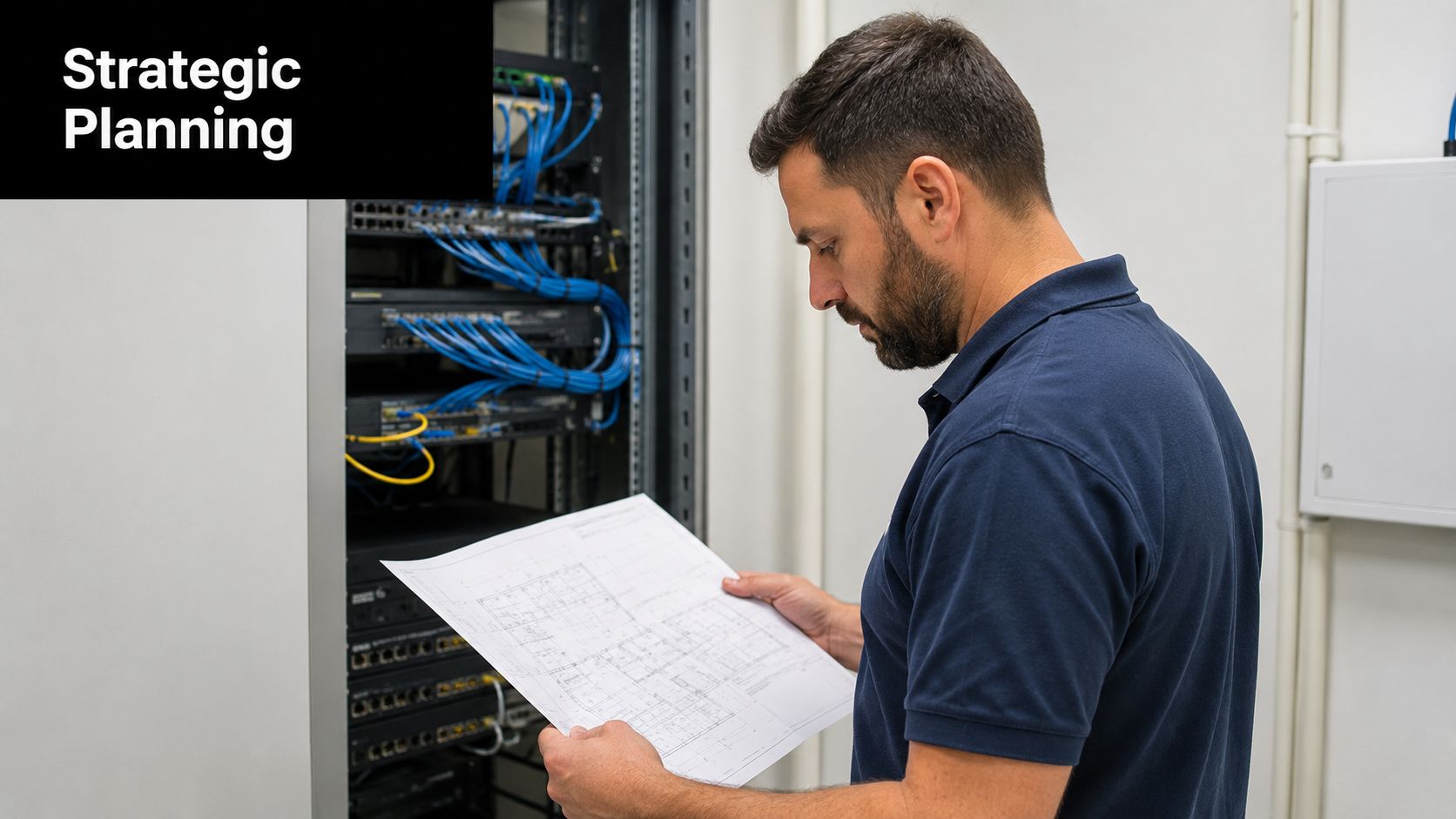
A good plan starts with how the building is used, not just where the walls are. A basement office needs different wiring than a front reception desk. A TV wall often needs more than one jack. A remodel with smart devices, cameras, and future workstations needs spare capacity, not just enough cable for today's furniture layout.
Where to put ethernet drops
The best drop locations are usually the places people rely on every day:
- Work areas: desks, offices, study nooks, and conference spots
- Entertainment walls: TVs, streaming boxes, receivers, game systems
- Ceilings or high wall locations: wireless access points
- Utility areas: structured media panel, rack, or network shelf
- Commercial points: reception desks, point-of-sale areas, printers, cameras, and back-office workstations
A common mistake is planning one jack per room and calling it done. That often turns into extra patch cords, unmanaged switches, or visible cable later.
TIA/EIA-568-B.1 recommends two drops per work area, yet recent 2025 data shows a 25% rise in network upgrades requiring additional drops due to insufficient initial planning, which is why planning ahead matters as newer systems often need fiber or Cat6A backhaul for growth and Wi-Fi 7 support, according to commercial cabling planning guidance.
Plan for the next owner too
Future-proofing isn't about guessing every device that will exist later. It's about leaving options.
That usually means:
- Extra drops in key rooms: especially offices, TV walls, and flex rooms
- A central equipment location: somewhere accessible, dry, and serviceable
- Pathways that allow expansion: conduit or accessible routes when practical
- Clear labels: so nobody has to tone out mystery cables years later
Some property owners also look at broader automation planning at the same time. For that side of the project, Pipeline On's smart home installation strategies give a useful framework for thinking about device density and room-by-room needs.
Clean routing matters more than people think
A neat route isn't only about looks. It affects serviceability and performance.
Cables shouldn't be draped loosely across framing, squeezed behind sharp metal edges, or mixed carelessly with line-voltage conductors. In remodels and tenant improvements, routing should be coordinated with framing, drywall, lighting, and electrical changes so the network isn't treated like an afterthought.
For offices, retail spaces, and buildouts that need coordinated low-voltage work, business network cabling services are typically planned alongside the rest of the electrical scope.
The easiest cable to fix is the one that was routed correctly the first time.
The Professional Installation Process Explained
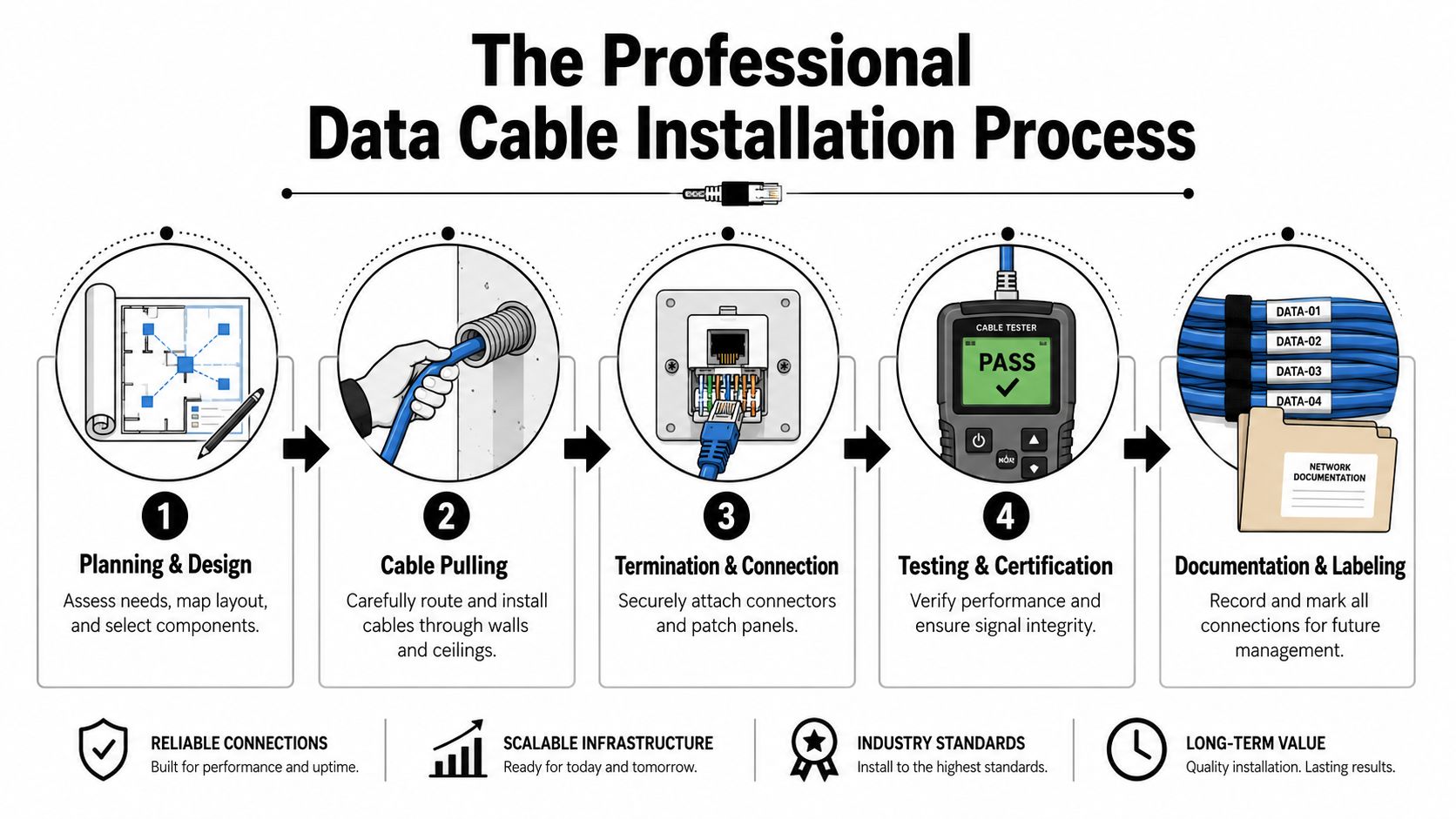
Professional data cable installation looks simple when it's done well. Most of the work is in the decisions nobody notices later. Route selection, support, termination quality, and testing are what separate a dependable network from one that works only until the next remodel or furniture change.
Pulling cable without damaging it
The first phase is the pull. In a finished home, that might mean attics, crawlspaces, wall fishing, conduit, or carefully chosen access points. In a commercial space, it may involve open ceilings, cable supports, equipment rooms, and planned pathways above work areas.
The goal isn't just getting cable from point A to point B. The cable has to be protected from excessive tension, sharp bends, abrasion, and messy routing that creates future service problems.
Approximately 3.5 million kilometers of Ethernet cabling are installed globally each year, which is a good reminder that installation standards matter because network performance depends on physical workmanship, not just the label on the cable, according to global Ethernet deployment data.
Termination is where shortcuts show up
A line can be hidden perfectly inside the wall and still fail because of poor termination.
Jacks, patch panels, keystones, and equipment terminations need to be consistent, secure, and matched to the cable type. Sloppy terminations create intermittent faults that are frustrating to trace because they don't always fail immediately. Sometimes the problem only appears under load, after furniture is moved, or when a device negotiates at a lower speed than expected.
Testing and documentation finish the job
Testing is what confirms the run is usable, not just connected. Every line should be checked after termination so bad pairs, open connections, or crossed conductors aren't left behind the wall plate.
Documentation matters too. A labeled run saves time for the next technician, the next tenant improvement, or the owner who wants to add another office later.
A clean professional process usually includes:
- Route review: confirm the planned path before cable is pulled
- Pulling with protection: preserve bend radius and jacket integrity
- Termination: complete both ends with matching standards
- Testing: verify each run after installation
- Labeling: identify drops, room locations, and rack positions clearly
Good data cabling should feel boring after installation. No random drops, no mystery ports, no guessing.
Code Compliance and Electrical Safety
Low-voltage wiring isn't exempt from good electrical practice. That's where a lot of homeowners get caught off guard. They assume network cable can be run any way that fits through the wall because it doesn't carry standard branch-circuit power.
That assumption causes problems.
Why separation from power matters
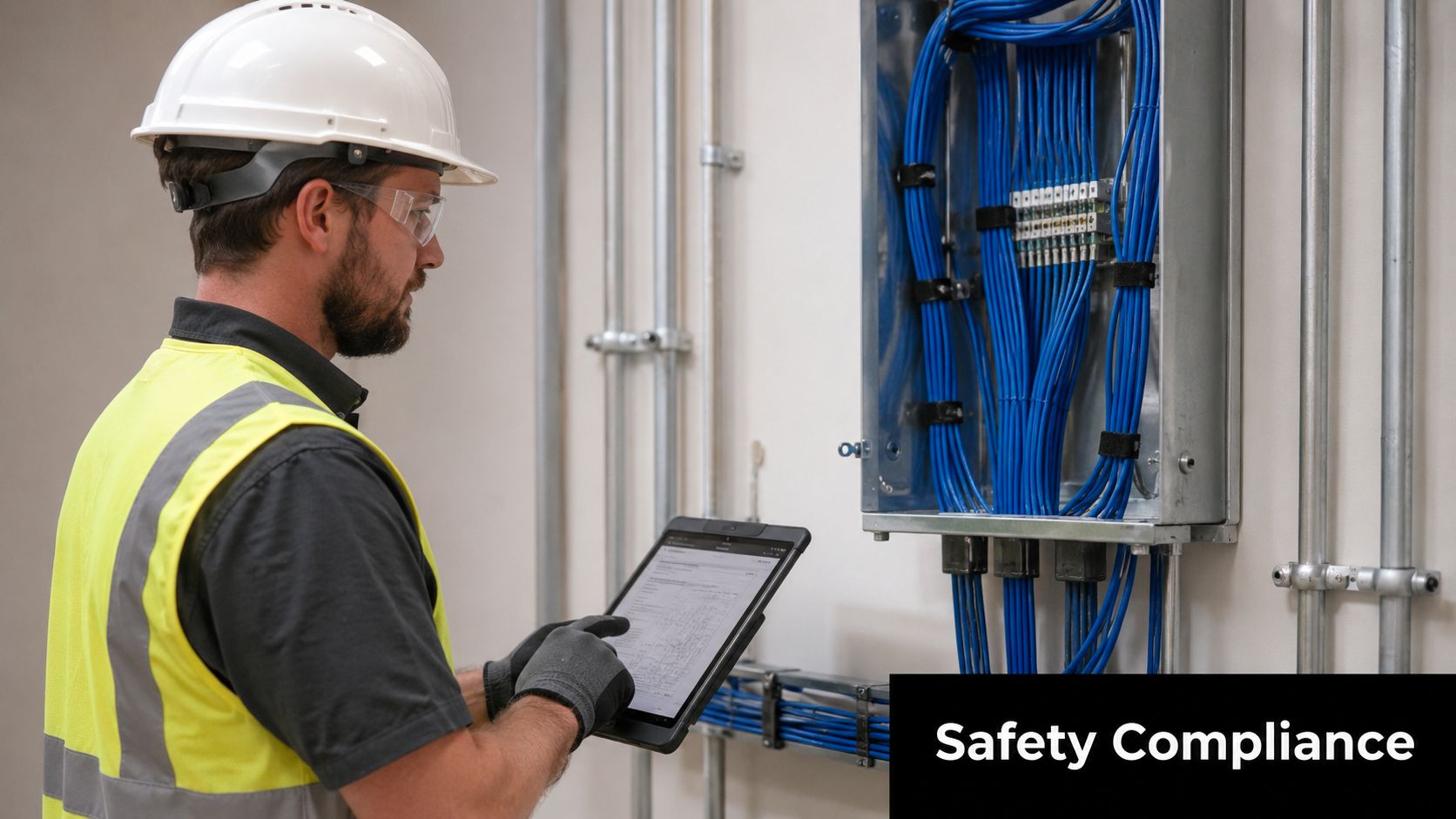
When data cable runs too close to power wiring, two bad outcomes can show up. The first is poor signal performance from induced noise. The second is a code issue that can come back during inspection, resale, or later electrical work.
NEC Article 300.11(B) mandates that data cables must maintain separation from parallel power lines to prevent induced noise. The same issue is showing up more often in the field, with a 30% increase in code-violation corrections for low-voltage work in residential remodels, according to discussion of NEC compliance problems in low-voltage work.
This is one of the clearest differences between a licensed electrician's approach and a casual cable installer's approach. The cable isn't judged only by whether a laptop can get online. It's judged by routing, support, separation, protection, and whether the installation belongs inside the building long term.
Other code issues people don't see
In-wall data runs can cross paths with remodel wiring, recessed lighting, panel work, and outlet additions. That means low-voltage planning often needs to happen with the electrical scope, not after it.
Things that commonly deserve a closer look include:
- Concealed wall protection: especially where future fasteners or remodeling may damage cable
- Wet or damp areas: outdoor points, unconditioned spaces, and exposed transitions
- Shared framing cavities: where power and data are both competing for the same route
- Penetrations: openings through walls, fire boundaries, and utility spaces
For property owners who aren't sure when permitting enters the picture, Black Rhino Electric's Utah permit advice helps clarify when electrical work needs to be reviewed as part of a larger project.
Safety planning belongs before the work starts
Commercial buildouts and larger remodels benefit from documented planning, not just a verbal scope. That includes access, routing, coordination with other trades, and hazard review. Contractors who want a simple overview of that process can review this guide to writing RAMS, which helps frame risk assessments and work methods in a practical way.
If a cable has to be hidden behind finished walls, it has to be installed like it matters. Because it does.
Hiring a Pro for Your Northern Utah Installation
Not every cable decision requires a service call. Plugging in a factory-made patch cord between a router and a computer is straightforward. Running cable through finished walls, across attics, into soffits, or next to electrical work is a different category of job.
When DIY is reasonable and when it isn't
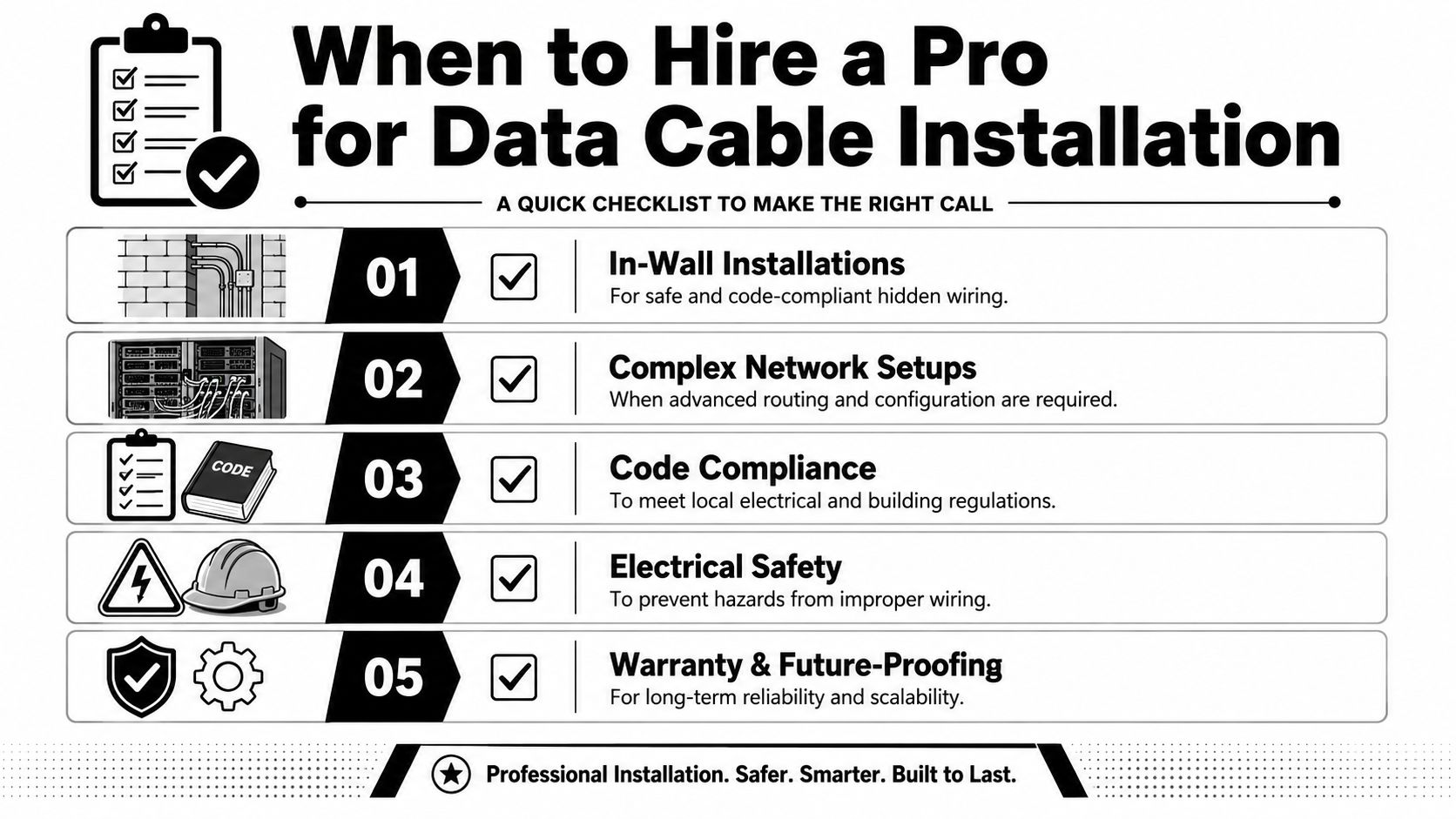
A simple rule helps. If the cable stays exposed, pre-made, and plug-in only, many owners can handle that safely. Once the work goes inside walls, above ceilings, outdoors, or near branch-circuit wiring, a trained installer should take over.
That matters in older Ogden homes, basement finishes in Roy, office tenant improvements in Layton, and mixed-use remodels around Salt Lake County where hidden building conditions tend to complicate clean routing.
What to ask before hiring someone
A good hiring conversation should be practical, not flashy. Ask how the installer handles routing, termination, labeling, and testing. Ask whether the work is being coordinated with electrical changes if panel work, new receptacles, lighting, or remodel wiring is happening at the same time.
A short checklist helps:
- Scope clarity: Are drop locations, equipment locations, and wall plates defined up front?
- Coordination: Will the installer work around remodel, framing, and electrical changes cleanly?
- Testing: Is each run checked after termination?
- Documentation: Will ports and cable runs be labeled?
- Code awareness: Does the installer understand low-voltage separation and protection requirements?
For homeowners and businesses in Weber, Davis, and Salt Lake counties who need both electrical and low-voltage coordination, Black Rhino Electric handles telephone/computer wiring and related electrical scope as part of residential and commercial projects. If a project needs a site visit, it's easy to schedule an electrician.
What happens during a service visit
A typical visit starts with a walkthrough. The electrician looks at internet entry points, the main equipment location, likely cable paths, access constraints, and where interference or physical damage risks may exist.
From there, the customer usually gets a plan based on building use, not guesswork. That tends to produce better results than adding one cable now, another later, and ending up with patchwork wiring spread all over the property.
Frequently Asked Questions About Data Cabling
What affects the price of a data cabling project
The biggest cost factors are access, building layout, number of drops, cable type, termination points, and whether the work is being done in finished spaces or open framing.
A single office drop in an accessible area is a different project from wiring a full basement, a retail suite, or a detached structure. Projects also get more involved when they include rack organization, outdoor runs, or coordination with panel, receptacle, lighting, or remodel work.
How long does installation usually take
That depends on access and scope.
A small home office addition may be fairly quick if pathways are open and the equipment location is already settled. A larger home, office suite, or tenant buildout takes longer because routing, labeling, and testing all need to stay organized. The cleanest projects are usually the ones planned before insulation, drywall, or finish carpentry closes off access.
Can data cable be installed outdoors or in an unfinished basement
Yes, but the cable and pathway have to fit the environment.
Outdoor runs, unconditioned basements, and damp areas need extra attention to cable rating, physical protection, entry points, and termination details. Homeowners should flag these locations early during the estimate so the installation method matches the conditions instead of treating every run like an indoor wall cavity.
Should a remodel combine network and electrical work
Usually, yes.
If a space is already being opened for new outlets, lighting, office circuits, EV charging prep, or general rewiring, that's often the best time to add data lines. One coordinated project is usually cleaner than patching in low-voltage work after walls are closed.
Why ask about insurance and project protection
Even for low-voltage work, the contractor should be properly covered for the type of work being performed. Business owners who want a plain-language overview of that side of contractor risk can review securing right-sized electrician coverage. It gives useful context for what proper coverage is supposed to do on active projects.
What should homeowners have ready before the estimate
A simple list helps:
- Device locations: desks, TVs, printers, cameras, access points
- Internet entry point: where service currently comes into the building
- Future plans: office expansion, smart devices, remodel phases
- Problem areas: slow rooms, weak Wi-Fi zones, unreliable equipment
- Access notes: attic, crawlspace, basement, finished walls, detached buildings
That short prep usually leads to a better layout and fewer change orders later.
For code-conscious data cable installation in Weber County, Davis County, or Salt Lake County, Black Rhino Electric can help plan low-voltage and electrical work together. Call 385-396-7048 or request a quote through the online form.